No. My Guardian Link supports 911 — it does not replace 911. When you cannot call, speak, or explain clearly, it helps share your verified identity, location, and incident details with your trusted contacts and a trained response coordinator, who can contact 911 when needed. If you can safely call 911 yourself, do so. Why 911 alone may not be enough.
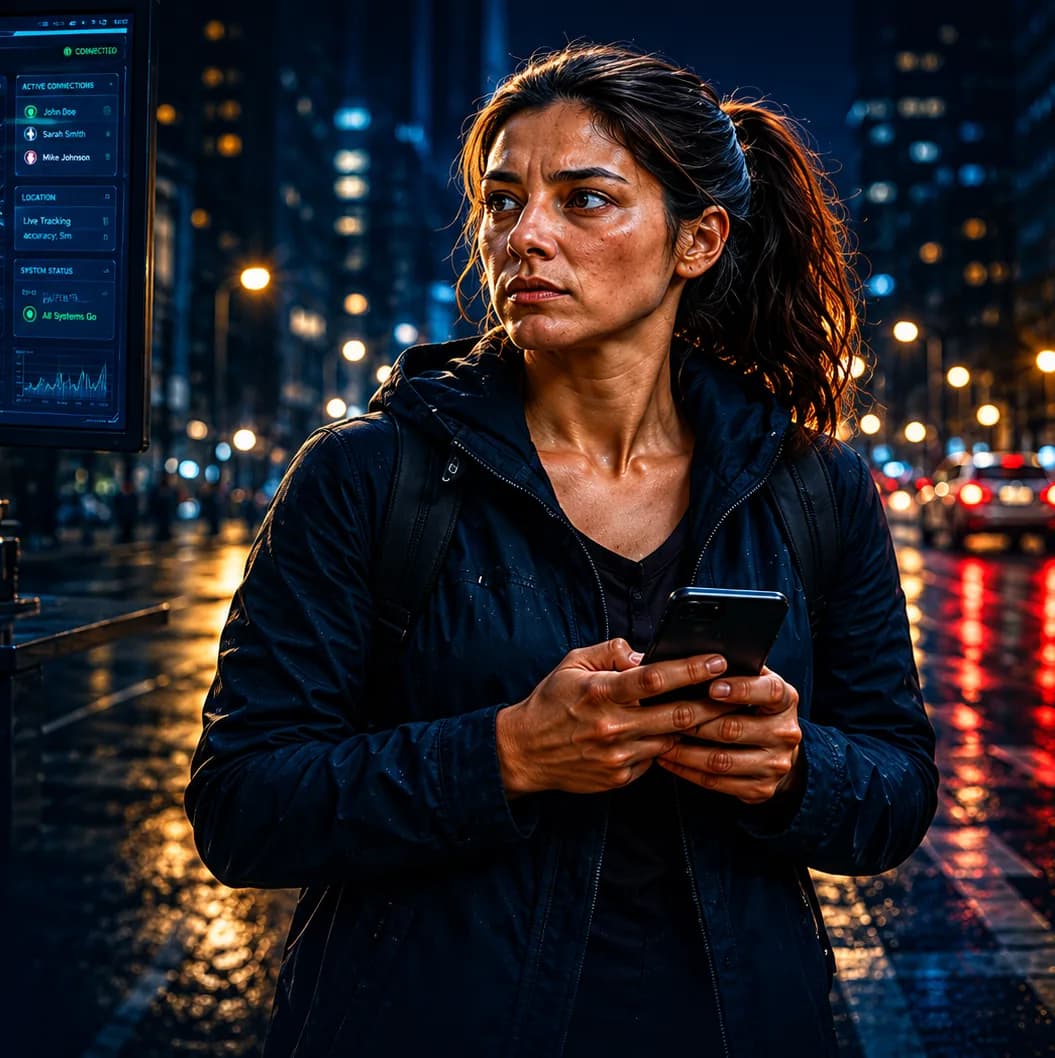
Your identity, GPS location, and incident details are sent to your trusted contacts and a trained response coordinator. The coordinator reviews your signal and, when needed, can contact 911 and share your verified details.
Your trusted contacts and a trained response coordinator. Your trusted contacts are the people you choose when you set up your account.
A trained response coordinator reviews your alert in real time and checks your location and message. They begin the next response steps right away and can contact 911 and share your verified details when needed.
Yes. Your GPS location is sent with your signal when it is available. Accuracy depends on your device, coverage, and connectivity.
You can send an alert without speaking. My Guardian Link is designed for silent or limited-action situations. See all activation options.
Yes. The trusted contacts you choose, such as family members, receive the urgent signal. They get an alert with your message, location, and quick action options.
My Guardian Link works over cellular data or Wi-Fi. Coverage is not guaranteed in every location, and performance depends on coverage, connectivity, and device connections. View the coverage map.
Yes. Incident activity can be time-stamped and documented for accountability. This gives you a clear record of what happened and when.
You create your account, choose your plan, add trusted contacts, download the app, and activate protection. Setup only takes a few minutes.
You create your account through the secure My Guardian Link portal. Tap Get Protected Now on any page to open it. You verify your mobile number, then choose your plan and add your trusted contacts.
Download the My Guardian Link app from the App Store on iPhone or Google Play on Android. After you create your account, download the app to activate protection.
Yes. There is no long-term commitment. Cancel within the first 30 days of your first paid membership to request a refund. After you cancel, your membership stays active through the end of your paid billing term, and Apple subscriptions are managed in your Apple account settings.
Anyone who may need help when they cannot speak, move, call, or explain clearly. That includes people who feel unsafe, people at risk of medical distress, students, runners and lone workers, and families who want to protect each other.